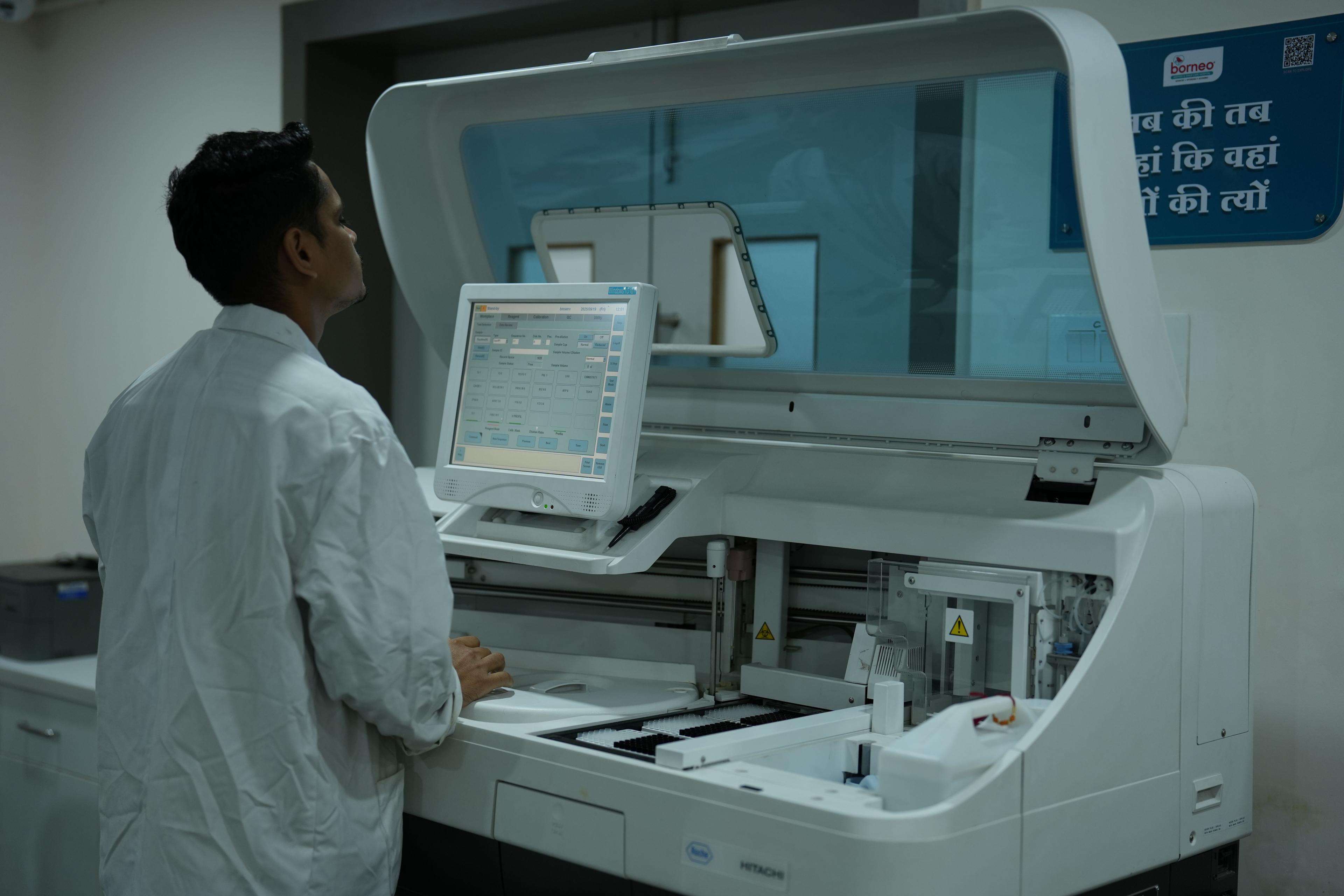
You get an order on Instagram at 9 a.m., another on WhatsApp at 9:05, and a third through your website at 9:10. Someone has to confirm each payment, check stock, book a rider, and tell the customer what’s happening. Multiply that by a few hundred orders a week and your team is spending more time moving information around than growing the brand.
That’s the problem business automation Lagos e-commerce brands run into once sales pick up. This guide explains what automation actually covers, which workflows deliver the fastest payoff, and how to roll it out without breaking the processes that already work.
What Is Business Automation for E-Commerce Brands?
Business automation for e-commerce means using software to run repeatable tasks, such as order processing, payment matching, stock updates, and customer messages, without manual effort. Rules and integrations move data between your tools so your team only steps in when judgment is needed.
In practice, it’s a set of connected workflows. A new order triggers a stock check, a payment check, a delivery request, and a confirmation message. Nobody retypes anything, and nothing waits for someone to notice it.
It’s different from simply buying more apps. Plenty of stores already use a storefront, a payment gateway, and a messaging app. Automation is the layer that makes those tools talk to each other.
Why Lagos E-Commerce Brands Feel Manual Work Sooner
Selling online in Lagos has its own texture, and it shapes which automations matter most.
Orders come from everywhere. Many brands sell through Instagram, WhatsApp, marketplaces, and their own site at the same time, so orders end up scattered.
Payments take several forms. Card payments through gateways such as Paystack or Flutterwave sit alongside bank transfers and pay-on-delivery, and each needs its own confirmation step.
Delivery needs coordination. Traffic, address quality, and rider availability mean customers want frequent updates, and your team ends up sending them by hand.
Customers expect fast replies. Shoppers message first and buy second, so slow answers cost sales.
None of this is unique to Lagos, but the combination makes manual processes break earlier than they might for a store with one sales channel and one payment method.
Seven Workflows Worth Automating First
You don’t need to automate everything. Start where manual work is repetitive, error-prone, or visible to customers.
1. Order capture across channels
Pull orders from your website, WhatsApp, and social channels into one place. A single order record means fewer missed purchases and no copy-and-paste errors.
2. Payment confirmation and reconciliation
Matching transfers to orders by hand is slow and risky. Automated matching confirms payments as they land, flags short or duplicate payments, and releases orders for packing.
3. Inventory sync
Overselling is one of the fastest ways to lose a customer’s trust. When stock levels update across every channel after each sale, you stop apologising for items you no longer have.
4. Delivery dispatch and status updates
Trigger a dispatch request when an order is packed, then send the customer status messages as it moves. This one change can remove a large share of “where is my order?” messages.
5. Customer support
Automate answers to repeat questions about delivery times, returns, sizing, and payment options. Route anything unusual to a person with the full order history attached.
6. Abandoned cart and repeat purchase messages
Send a reminder when someone leaves items in their cart, and a restock or reorder message to past buyers. These are simple to set up and easy to measure.
7. Reporting
Replace weekly spreadsheet work with a live view of orders, revenue, returns, and delivery times. You’ll spot problems days earlier.
Quick comparison
Workflow | Manual pain | What automation does | Effort to start |
|---|---|---|---|
Order capture | Orders arrive via DMs, WhatsApp and the website, then get retyped | Pulls every order into one system automatically | Medium |
Payment confirmation | Staff check bank alerts and match transfers by hand | Matches payments to orders and flags mismatches | Medium |
Inventory sync | Items sell on one channel after they run out on another | Updates stock across channels in near real time | Medium |
Delivery updates | Customers ask "where is my order?" all day | Sends status messages at each delivery stage | Low |
Customer support | The same ten questions answered repeatedly | Handles FAQs and routes the rest to a person | Low |
Cart recovery | Abandoned carts are never followed up | Sends timed reminders with the items left behind | Low |
Reporting | Weekly numbers built in spreadsheets | Builds dashboards from live order data | Medium |
How to Start Automating Your Online Store
Start by mapping one workflow end to end, fix its bottleneck, then automate it and measure the result before moving on. Rolling out one workflow at a time keeps risk low and shows your team what works.
List your current steps. Write down what happens from the moment an order arrives to the moment it’s delivered. Include who does each step and which tool they use.
Find the slowest or most error-prone step. Ask your team where mistakes happen and where customers complain. That’s your first target.
Clean up before you automate. Automating a confusing process just makes the confusion faster. Simplify it first.
Pick a measurable goal. For example, cut order confirmation time, reduce support messages about delivery, or lower the number of stock errors per week.
Build, test with a small batch, then expand. Run the new workflow alongside the old one for a short period. Compare results before you switch fully.
Review monthly. Rules change as your products, couriers, and channels change. Check that your automations still match reality.
Tools or a Specialist Partner?
Many brands begin with off-the-shelf tools and no-code connectors. That’s a sensible start, especially for simple tasks like sending order confirmations.
Things get harder when you need several systems to work together reliably: a storefront, a payment gateway, a stock sheet, a messaging channel, and a delivery partner. Edge cases pile up, such as partial payments, cancelled orders, and rescheduled deliveries. This is where design and testing matter more than the tools themselves.
If you’d rather not build and maintain this yourself, a specialist team such as The Muze Studios can design the workflows, connect your systems, and adjust them as your operation changes. The value of outside help is less about software and more about getting the logic right the first time.
Build in-house vs. work with a specialist
Build in-house when you have a technical person with spare capacity and your workflows are simple.
Work with a specialist when workflows span several systems, when mistakes are costly, or when your team’s time is better spent on sales and operations.
Common Mistakes to Avoid
Automating everything at once. Big-bang rollouts create confusion. Start small.
Removing humans from sensitive moments. Refund disputes and delivery problems often need a person. Automate the routing, not the empathy.
Ignoring exceptions. Plan for failed payments, wrong addresses, and out-of-stock items before you go live.
Skipping documentation. If only one person understands the setup, you’ve created a new risk.
Not tracking results. Without a baseline, you can’t tell whether automation helped.
What to Ask Before Choosing an Automation Provider
Whether you hire a freelancer, an agency, or a specialist studio, a few questions separate a solid partner from a risky one:
Can they explain how your specific workflow will run, including failure cases?
Will you own the workflows and accounts, or are you locked in?
How do they test before launch and support you after?
Do they understand local payment and delivery realities?
If you’d like to talk through your own setup, you can contact The Muze Studios and describe where your team loses the most time. A clear picture of the problem makes any first conversation more useful.
Frequently Asked Questions
What does business automation mean for a Lagos e-commerce business?
It means connecting your store, payments, inventory, delivery, and customer messaging so routine tasks run on their own. Your team handles exceptions instead of repeating the same steps for every order.
Which e-commerce tasks should I automate first?
Start with high-volume, repetitive tasks such as order capture, payment confirmation, and delivery updates. These save the most time and have the clearest effect on customer experience.
Do I need a developer to automate my online store?
Not always. Simple automations can be built with no-code tools, but multi-system workflows with edge cases usually benefit from technical design and testing.
How long does it take to see results?
Simple workflows, like order confirmations or delivery messages, can show results within weeks. More complex projects take longer because they need testing against real orders.
Can automation work with bank transfers and pay-on-delivery?
Yes. Workflows can match incoming transfers to orders and track cash-on-delivery collections, though each payment type needs its own rules and checks.
Conclusion
Business automation isn’t about replacing your team. It’s about removing the repetitive work that slows them down so orders move faster, customers stay informed, and you can grow without adding admin headcount at the same pace.
Pick one workflow, fix it, measure it, and build from there. If you want help turning that plan into working systems, the The Muze Studios team is a good place to start the conversation.